Short Answer: Is IPTV Legal in Canada?
IPTV technology itself is simply a way to deliver television or video over an internet connection. The legal question is whether the provider is authorized to distribute the programmes it sells or streams. In Canada, a low price, a large channel count or a WhatsApp login does not prove that a service is licensed. Buyers should verify the provider, read the terms, protect their accounts and avoid services that hide their identity or make impossible promises.
This guide is informational and is not legal advice. It is designed to help Canadian viewers search for IPTV legally, compare providers responsibly and avoid unsafe subscriptions, suspicious applications and misleading marketing.
1. What IPTV Means in Canada
IPTV means Internet Protocol Television. Instead of receiving television through a traditional cable or satellite signal, an IPTV service delivers video through an internet connection. The Canadian Radio-television and Telecommunications Commission describes IPTV as digital television channels delivered to a television through a high-speed internet connection, while online video services can be free or subscription-based.
The word IPTV does not automatically mean legal or illegal. It describes the delivery method, not the rights behind the content. A broadcaster, telecom company, streaming platform or other authorized distributor may use internet delivery lawfully. A different provider may use the same technology to redistribute channels without permission.
That distinction matters because many search results use phrases such as best IPTV Canada, premium IPTV, 4K IPTV subscription and cheap IPTV Canada as if those phrases guarantee quality or authorization. They do not. A responsible buyer must assess the provider behind the technology.
📚 Useful context: The CRTC’s TV options guide explains the difference between IPTV, cable, satellite and online video services.
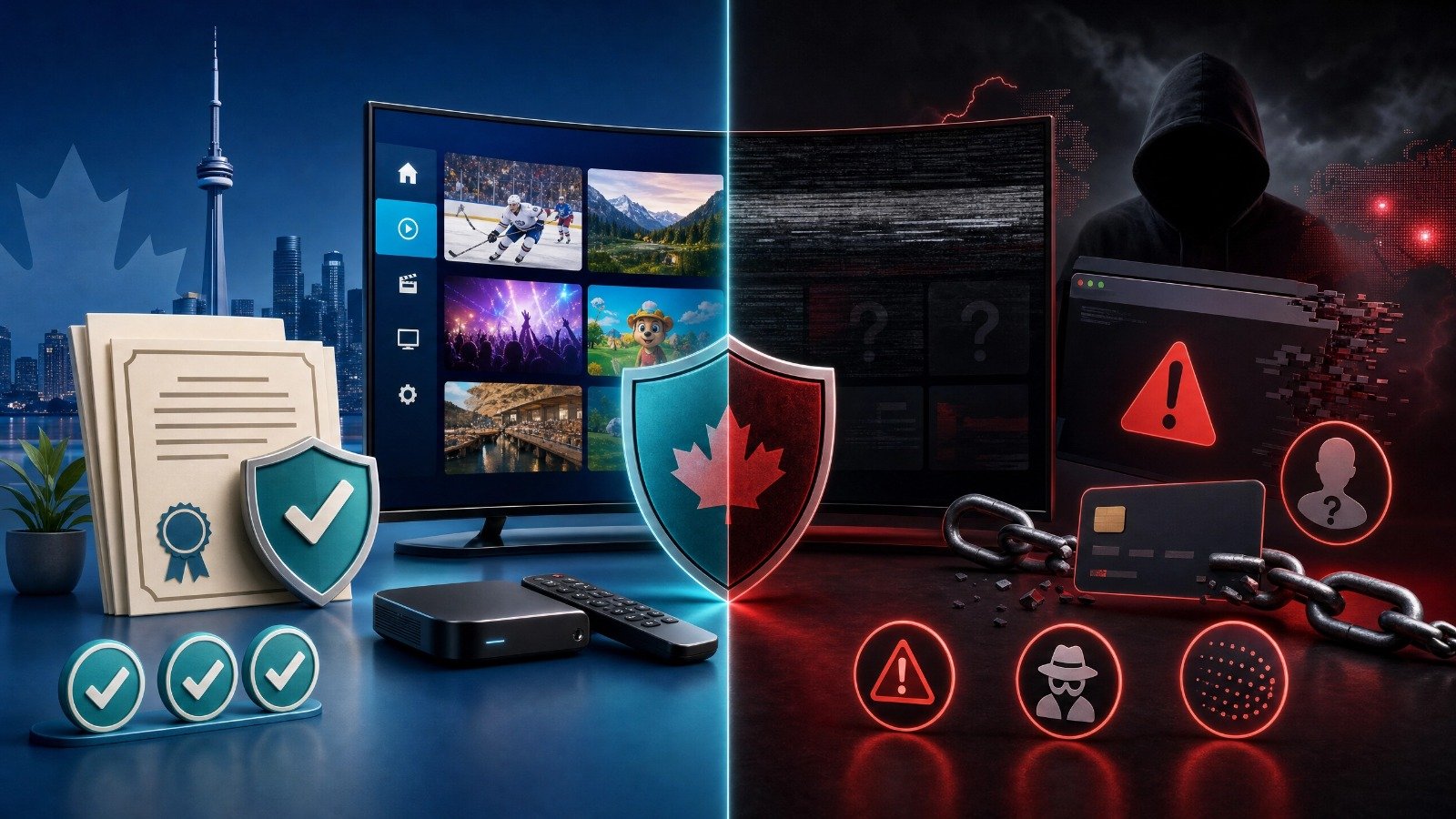
2. Is IPTV Legal in Canada? The Important Distinction
The safest way to answer “is IPTV legal in Canada?” is to separate three questions. First, is the technology legal? Internet video delivery is a normal communications method. Second, is the provider authorized to distribute the channels, films, sports or television programmes it advertises? That depends on the provider’s agreements, rights and business model. Third, are you using the service according to its terms and applicable law? A buyer should not assume that a provider’s marketing statement is proof of authorization.
The CRTC also notes that online video services do not need a CRTC licence in the same way as every traditional television distributor. That statement should not be misunderstood as a blanket approval of every online streaming service. CRTC licensing and copyright or distribution authorization are separate questions. A provider may be online and still need permission to redistribute protected programming.
For practical purposes, use this rule: if an IPTV provider refuses to identify its business, cannot explain its content rights, demands unusual payment methods, promises every premium channel for a tiny fee and tells you to hide the service from your internet provider, treat it as high risk. Do not rely on a VPN as proof that a subscription is authorized. A VPN can protect a connection in some situations, but it does not create copyright permission.
This guide does not label any specific service unlawful without verified evidence. It recommends a verification process that protects the consumer and reduces the chance of paying for an unstable or unauthorized operation.
3. How to Check Whether an IPTV Provider Is Legitimate
A trustworthy IPTV provider should be able to answer basic commercial, technical and privacy questions before you pay. The provider does not have to publish every contract with broadcasters, but it should provide a real business identity, clear terms, support channels and a plausible explanation of what it sells.
-
1
Check the business identity
Look for a legal business name, a working website, a physical mailing address or service region, a support email on the same domain and terms that identify who accepts payment. A logo and a social-media account are not enough. Test the contact page before purchasing and ask a specific question about device compatibility or cancellation.
-
2
Read pricing and renewal terms
A legitimate-looking price page should show the billing period, total amount, taxes where applicable, number of devices or streams, trial conditions, refund rules and whether the plan renews automatically. Watch for contradictions between a pricing card, checkout page and FAQ. Save a copy of the offer and receipt.
-
3
Ask what content is included and where it comes from
A provider should distinguish live television, video-on-demand, sports, pay-per-view and catch-up features. Ask whether the advertised channels are available in Canada and whether the service has rights to distribute them. “22,500+ channels” or “all sports worldwide” is a marketing claim, not evidence by itself.
-
4
Test support before payment
Send one pre-sale question and measure the answer. A useful response should address your TV model, the supported player, the login method and the service terms. A reply that only sends a payment address or pressures you to pay immediately is a warning sign.
-
5
Check the app and installation route
Prefer applications available through the official app store for your device, or a clearly documented installation route from a known publisher. Be cautious when a provider asks you to install an unknown APK, disable device security, grant unnecessary permissions or enter your email and payment information into an unfamiliar page.
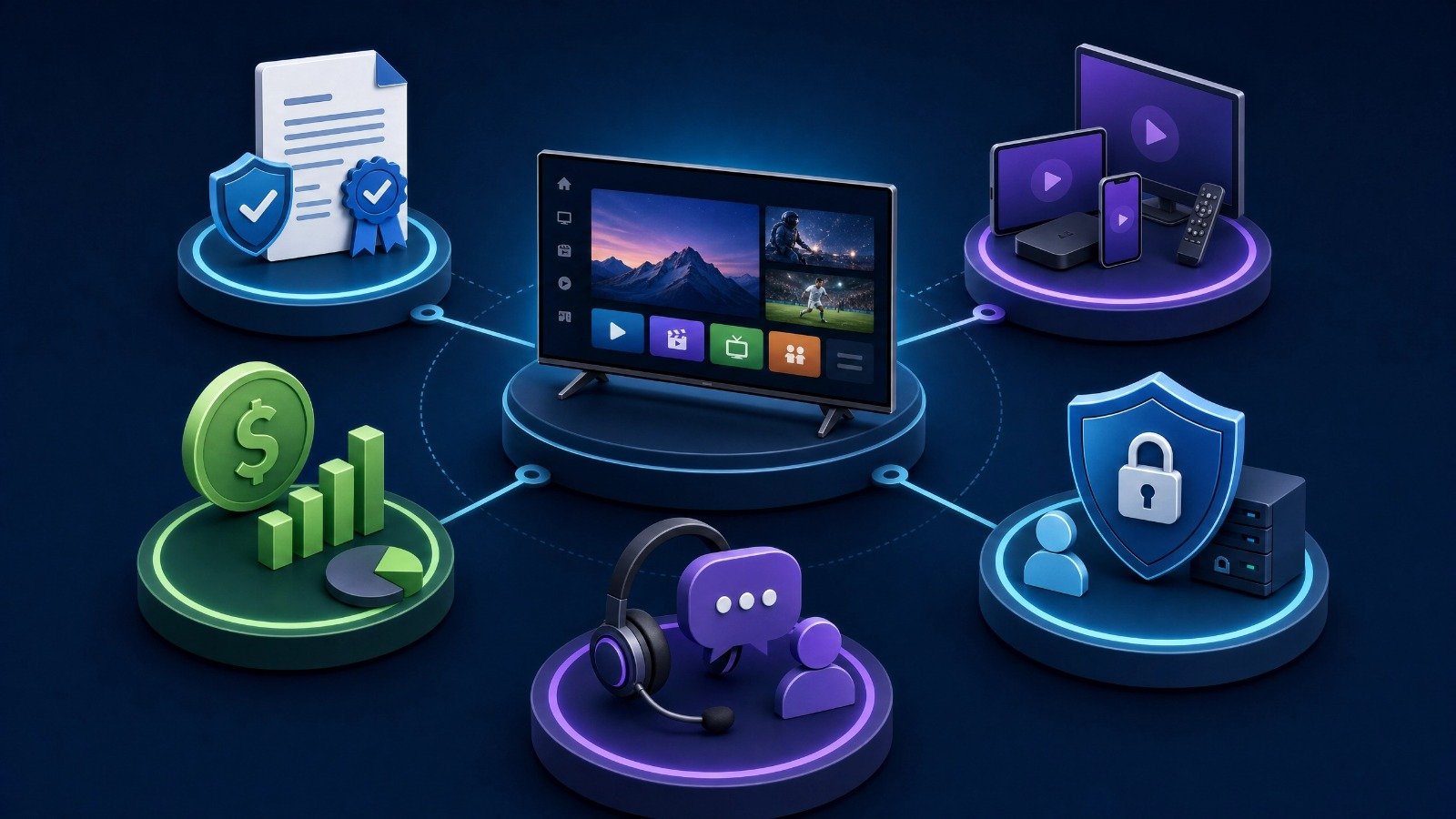
4. 10 Red Flags of Unsafe or Suspicious IPTV Services
The following signs do not prove a service is illegal by themselves, but multiple signs together should make you stop and investigate. The Competition Bureau of Canada publishes guidance on deceptive marketing, subscription traps, fake reviews, non-delivery scams and checking a seller before checkout. Those consumer principles apply to IPTV purchases as well.
- An impossible catalogue: every premium sports league, movie release, international channel and pay-per-view event for a price far below normal market options.
- Pressure to pay immediately through an anonymous chat, gift card, cryptocurrency or personal bank transfer with no invoice.
- No business name, no terms, no refund policy and no stable customer-support channel.
- A website that repeatedly changes domains, uses copied branding or contains inconsistent prices and contact details.
- A promise of guaranteed uptime, zero buffering or every channel in native 4K without explaining testing conditions or limitations.
- Requests for your email password, banking login, remote-control access or unrelated personal information.
- Instructions to install modified apps, disable security settings or use a file-sharing link from an unknown source.
- Fake urgency, countdown timers or claims that a payment must be completed within minutes.
- Reviews that are identical, overly generic, impossible to verify or hosted only on the seller’s own pages.
- A provider that refuses to explain cancellation, trial expiry, simultaneous streams or what happens if a channel disappears.

5. A Provider Comparison Checklist
Use the table below before choosing the best IPTV subscription for your home. The goal is not to find the biggest number. The goal is to find a service that is transparent, compatible, stable and appropriate for your household.
| Check | What to ask | Why it matters |
|---|---|---|
| Authorization | Can the provider explain its distribution rights and business identity? | Reduces the risk of paying an anonymous or unauthorized operation. |
| Price | What is the full total, billing period, renewal rule and refund policy? | Prevents hidden charges and subscription surprises. |
| Compatibility | Which official app, player, TV model and operating system are supported? | Avoids buying a plan that cannot run on your device. |
| Quality | Are streams native 4K or upscaled, and what affects bitrate? | Separates real technical information from resolution marketing. |
| EPG and VOD | Is the programme guide included, and how often is it updated? | A large channel list is less useful when guide data is missing. |
| Support | Can support troubleshoot your exact TV, app and login method? | Makes setup and service interruptions easier to resolve. |
| Privacy | What information is collected, stored and shared? | Protects your identity, account and payment information. |
| Security | Are apps distributed through trusted sources and are accounts protected? | Reduces malware, phishing and credential-theft risk. |
6. Privacy and Account Security Rules for IPTV Users
Streaming accounts may appear low risk, but they can still contain email addresses, device identifiers, payment records, viewing history and passwords reused on other websites. Treat an IPTV account like any other online service account.
Use a unique passphrase and never reuse the password from your email, banking, social media or shopping accounts. Where the service supports multi-factor authentication, enable it. The Canadian Centre for Cyber Security recommends multi-factor authentication because it adds another verification factor beyond a password and helps reduce the impact of stolen credentials.
Read the privacy policy before installing a player or creating an account. The Office of the Privacy Commissioner of Canada advises that users should receive clear information about what personal information an app collects, why it collects it, where it is stored, who it is shared with and how long it is kept. A streaming app should not need unrelated permissions such as contacts, microphone or location for basic playback unless it explains the reason.
Keep the TV, Fire Stick, Android TV box, router and IPTV player updated. Remove apps you no longer use. Do not enter credentials into links received through an unexpected message. If you suspect that a password has been exposed, change it on the IPTV service and on every other account where it was reused.
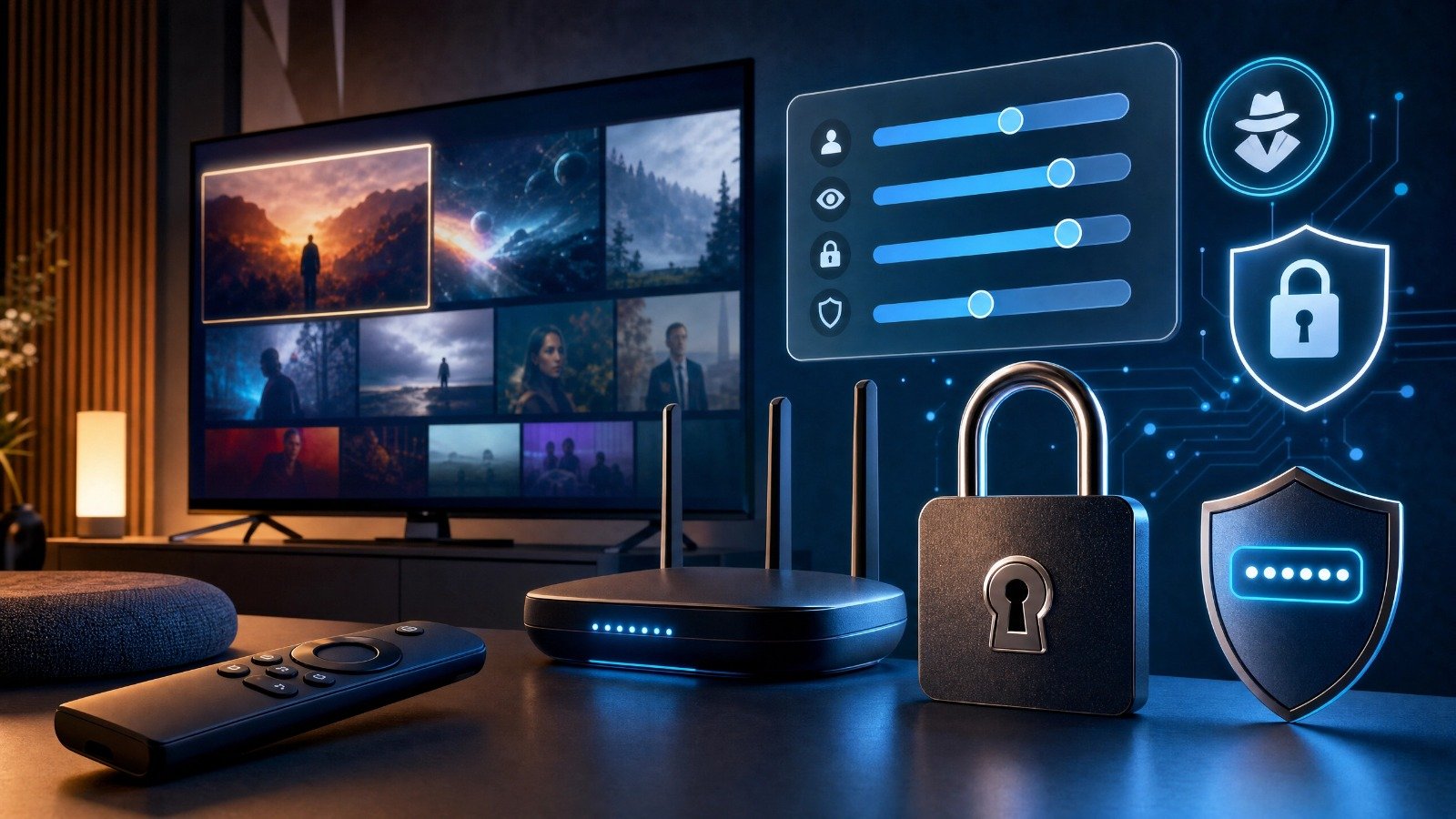
7. Smart TV, Fire Stick and Android TV Setup Safety
Your IPTV setup should begin with the official device interface. On Samsung and LG televisions, check the relevant app store for compatible players. On Android TV and Google TV, use the official Play Store or Apps interface where possible. On Fire TV, follow the supported player’s official installation route and avoid random download links.
- 1
Update the television or streaming device before installing a player.
- 2
Use a private home Wi-Fi network with a strong router password; avoid entering service credentials on public Wi-Fi.
- 3
Install the player from a trusted source and review its requested permissions.
- 4
Use the exact server, playlist, EPG or login information supplied by your authorized provider.
- 5
Test one live channel, one on-demand title and the guide before changing advanced settings.
- 6
Keep a record of your plan, receipt, support contact and cancellation terms.
- 7
If a service asks you to disable security features or provide unrelated passwords, stop the setup and investigate.
For detailed device tutorials already published on your website, link readers to the existing guides rather than repeating every step. Use the complete Fire Stick IPTV setup guide, the best IPTV apps for Fire Stick, and your Samsung, LG and Android TV guide if that page is published on your site.
8. What to Do When an IPTV Service Stops Working
A service interruption is not automatically proof of a scam. First separate a local network problem from an app problem and a provider-side problem. Restart the router and device, test another legitimate streaming app, check whether only one channel is affected and record the time and error message.
- If every app buffers, test Wi-Fi, Ethernet, router placement and other household traffic.
- If only one IPTV player fails, update it, clear its cache where appropriate and confirm the login details.
- If only one channel or category fails, report the channel name and time to support rather than reinstalling everything.
- If the guide is empty, check whether the EPG URL or guide setting is separate from the playlist.
- If the provider stops replying, save your receipt, messages, website screenshots and payment record.
- If you believe you were deceived, contact your payment provider and report suspected fraud to the Canadian Anti-Fraud Centre or the relevant provincial authority.
For a general troubleshooting sequence, see How to Fix IPTV Buffering in 2026. For broader app and platform coverage, visit the SMART4K IPTV Knowledge Hub.
9. How to Compare Price, Quality and Value
Search intent around cheapest IPTV Canada, best IPTV Canada, 4K IPTV Canada and IPTV subscription pricing is highly commercial. A high-ranking article should still help the reader make a decision instead of repeating a channel count. Compare the total monthly cost, the number of permitted streams, device compatibility, guide quality, customer support and the risk of losing access.
Do not compare a monthly IPTV plan with a promotional cable price without checking the full period, taxes, equipment, internet cost, sports add-ons and cancellation rules. If a provider advertises a free trial, confirm whether a card is required, when the trial ends, whether it converts automatically and how cancellation works.
10. SMART4K IPTV Resources and Internal Guides
This article should act as a safety and decision-making hub, linking to the site’s existing commercial and informational pages without duplicating them. Use descriptive anchors and place links where they answer the reader’s next question.
| Internal page | URL | Recommended purpose |
|---|---|---|
| SMART4K IPTV Canada homepage | /index.html | Use for the main service overview and supported-device context. |
| SMART4K IPTV plans and pricing | /pricing.html | Use for current plan details; verify prices before publishing because the audit found a possible 13-month price inconsistency. |
| SMART4K IPTV reseller program | /reseller.html | Use only in a separate business/reseller context, not as a consumer legality proof. |
| Best IPTV Canada 2026 guide | /Blog/BestIPTVCanada.html | Use as the broad Canadian market overview; this new article adds a safety and verification angle. |
| Cheapest IPTV UK and Canada comparison | /Blog/CheapestIPTVUK&Canada.html | Use when discussing price shopping across the UK and Canada. |
| NHL streaming and blackout guide | /Blog/WatchNHLOnlineinCanadaWithoutCable.html | Use for sports rights and Canadian NHL viewing questions. |
| IPTV versus cable Canada comparison | /Blog/IptvVsCableCanada-2026.html | Use for the existing cost-comparison article. |
| SMART4K IPTV FAQs | /faqs.html | Use for general device, trial, payment and support questions. |
| Contact SMART4K IPTV | /contact.html | Use as the support and pre-sale question destination. |
11. Frequently Asked Questions
IPTV technology is a method of delivering video over the internet. Legality depends on whether the provider is authorized to distribute the content it offers and whether the service complies with applicable rules. Do not treat the word IPTV, a low price or a VPN as proof of authorization.
There is no one-word answer for every service. A viewer should choose a provider that is transparent about its identity, terms, support and distribution rights. Avoid anonymous services that advertise impossible content access or ask for unsafe payment and installation practices.
A VPN is not a substitute for content authorization. It may be useful for privacy or network-management reasons in some situations, but users should follow the law, the provider’s terms and their internet plan.
Check the business identity, pricing terms, refund and renewal rules, application source, privacy policy, support quality, payment process and explanation of content rights. Multiple red flags should be treated as a reason not to purchase.
A trial can reduce buying risk, but read whether it requires payment details, converts automatically, limits channels or has different terms from the paid plan. Save the trial conditions and cancellation instructions.
Any app can create privacy and security risk if it collects excessive information, comes from an unknown source or is poorly maintained. Use trusted app stores, review permissions, use unique passwords and keep devices updated.
Keep receipts, emails, chat messages and screenshots. Contact the payment provider quickly, change any reused password and report suspected fraud to the Canadian Anti-Fraud Centre or the appropriate consumer-protection body.
Use a current, supported television or streaming device, a trusted player, a private home network, unique login credentials and a provider with clear terms and responsive support. Avoid modified applications and unknown APK links.
CONCLUSION
The best IPTV service in Canada is not simply the one with the biggest channel number or the cheapest monthly price. A stronger decision comes from verifying the provider, understanding the content and payment terms, checking device compatibility, protecting personal information and keeping evidence of the purchase.
Use “is IPTV legal in Canada,” “best IPTV Canada,” “safe IPTV provider,” “4K IPTV Canada,” “IPTV subscription Canada” and related search phrases naturally, but do not make unsupported legal promises. A useful article earns trust by explaining uncertainty clearly and giving readers a practical checklist.
If you are considering SMART4K IPTV, review the official homepage, current pricing, FAQ and contact pages directly, ask pre-sale questions and verify the exact plan terms before paying. For general education, continue through the SMART4K Knowledge Hub and the linked device, buffering, sports and cable-comparison guides.
View Plans & Pricing → Ask Support